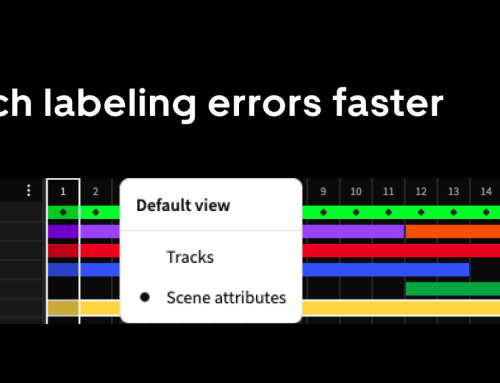
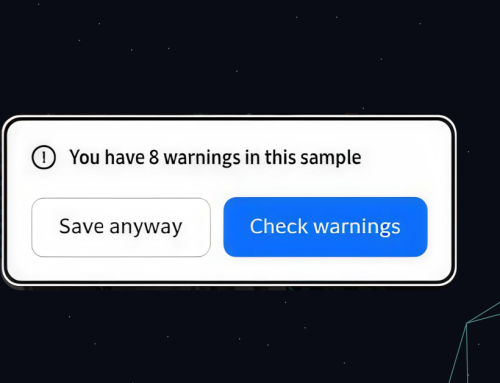
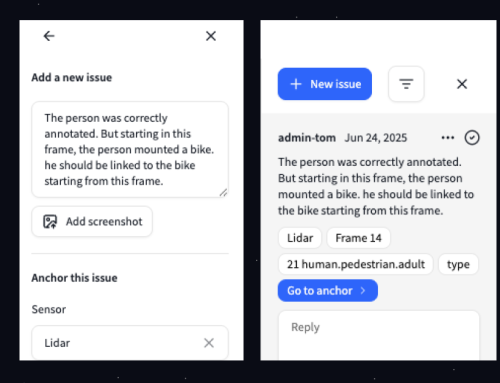
We’ve redesigned the track timeline in Segments to make it easier to see what’s changing and where. The old timeline compressed too much information into too little space. The result: tedious workflows, accidental data loss, and a lot of unnecessary clicking.
This update introduces a new layout system, a reimagined track timeline, and a set of foundational improvements that make it easier to see and control how objects evolve across sequences.
What changed
1. More space to work
We’ve restructured the layout to give labellers more real estate, reduce UI jumping, and keep key tools in consistent locations.
This creates a more stable, predictable interface. And clears the path for a more powerful timeline.
2. A smarter, scalable timeline
The new timeline gives a clearer view of where objects exist in a sequence, and how their attributes evolve over time. No more guessing. No more clicking through every frame to spot differences.
Key features
This lets you instantly see where an object is tracked and when its position, dimensions, or attributes change.
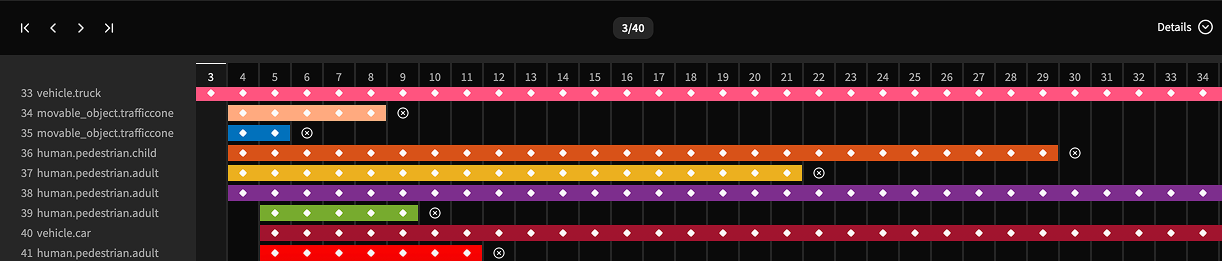
Interaction that makes sense
We’ve added controls to help you move through sequences faster and with more intent.
You can also interact with keyframes directly:
Built to grow
This version of the timeline focuses on positional and dimensional attributes, the stuff that changes most during labeling. But it’s designed to scale. Future updates will bring support for semantic attributes, richer visual cues, and more control over frame-level data.
Available now
The new timeline is live. It’s more visual, more navigable, and better aligned with how you actually work. Try it out and let us know what’s useful, what’s missing, and what you’d like to see next.